

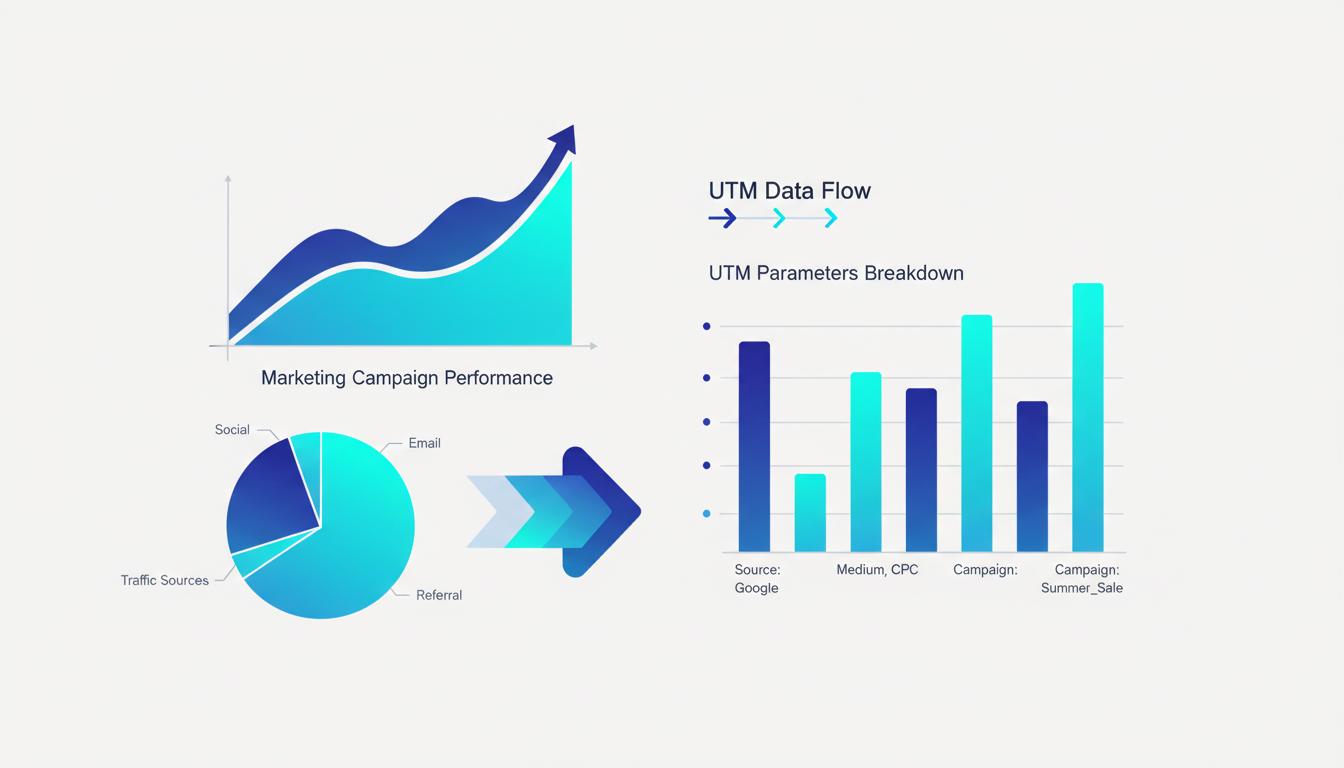
Every marketer wants to know which campaigns drive results. But without proper tracking, you're essentially flying blind — and if you run campaigns internationally and need to compare budgets across currencies, SwiftConvertHub's unit converter handles the conversion instantly�spending money on advertising without knowing what actually works. UTM parameters solve this problem by providing detailed insights into where your traffic comes from and which marketing efforts generate the best returns.
What Are UTM Parameters?
UTM stands for Urchin Tracking Module. These are small pieces of text added to the end of URLs that help analytics platforms like Google Analytics understand exactly how visitors found your website. When someone clicks a link with UTM parameters, that information is passed to your analytics system, allowing you to see detailed breakdowns of your traffic sources.
UTM parameters were originally developed by Urchin Software Corporation, which Google acquired in 2005. The technology became the foundation of Google Analytics, and UTM parameters remain the standard method for campaign tracking across the digital marketing industry.
The Five UTM Parameters Explained
There are five UTM parameters, each serving a specific purpose in tracking your marketing campaigns. Three are required, and two are optional but highly recommended for detailed analysis.
1. utm_source (Required)
The source parameter identifies where your traffic originates. This is typically the platform or publisher sending visitors to your site.
Common examples:
utm_source=google- For Google Ads or organic searchutm_source=facebook- For Facebook ads or postsutm_source=newsletter- For email marketing campaignsutm_source=partner-site- For referral traffic from partners
2. utm_medium (Required)
The medium parameter describes the marketing channel or type of traffic. It answers the question: "How did the visitor arrive?"
Standard medium values:
utm_medium=cpc- Cost-per-click advertising (paid search)utm_medium=email- Email marketingutm_medium=social- Organic social media postsutm_medium=display- Banner or display advertisingutm_medium=affiliate- Affiliate marketingutm_medium=referral- Referral traffic from other websites
3. utm_campaign (Required)
The campaign parameter identifies the specific marketing initiative. This helps you group related marketing activities together for analysis.
Examples:
utm_campaign=summer_sale_2024utm_campaign=product_launch_q1utm_campaign=black_fridayutm_campaign=brand_awareness
4. utm_term (Optional)
The term parameter is primarily used for paid search campaigns to identify the keywords that triggered your ads. However, you can also use it to differentiate between audience segments or targeting criteria in other campaign types.
Examples:
utm_term=digital+marketing+courseutm_term=remarketing_audienceutm_term=lookalike_1%
5. utm_content (Optional)
The content parameter helps you differentiate between multiple versions of the same ad or link. This is particularly useful for A/B testing or when you have multiple calls-to-action on the same page.
Examples:
utm_content=banner_autm_content=text_linkutm_content=button_blueutm_content=video_version_1
How to Build a URL with UTM Parameters
A complete URL with UTM parameters looks like this:
https://example.com/landing-page?utm_source=facebook&utm_medium=social&utm_campaign=summer_sale&utm_content=video_ad
Let's break down the structure:
- Base URL:
https://example.com/landing-page - Parameter separator:
?(indicates the start of query parameters) - First parameter:
utm_source=facebook - Parameter delimiter:
&(separates multiple parameters) - Additional parameters: Continue with
&between each
Manual URL Construction
While you can build UTM URLs manually, this approach has several drawbacks:
- Time-consuming and prone to errors
- Special characters must be URL-encoded
- Difficult to maintain consistency across teams
- No validation to catch mistakes
Using a UTM Builder Tool
A UTM URL builder automates the process and ensures accuracy:
- Enter your base URL
- Fill in the UTM parameter values
- Click "Build URL"
- Copy the generated URL
The tool automatically handles URL encoding and validates your inputs, ensuring your tracking links work correctly.
UTM Parameter Best Practices
1. Use Consistent Naming Conventions
Consistency is crucial for accurate reporting. Establish clear guidelines for your team:
- Use lowercase letters only (UTM parameters are case-sensitive)
- Replace spaces with underscores or hyphens
- Create a standard list of approved sources and mediums
- Document your naming conventions in a shared guide
Good: utm_source=facebook, utm_source=linkedin
Bad: utm_source=Facebook, utm_source=LinkedIn, utm_source=LI
2. Be Descriptive but Concise
Your campaign names should clearly identify the initiative without being overly long:
Good: utm_campaign=spring_sale_2024
Bad: utm_campaign=campaign (too vague)
Bad: utm_campaign=spring_sale_march_2024_new_products_discount (too long)
3. Use Standard Medium Values
Google Analytics recognizes specific medium values and groups them accordingly. Using standard values ensures your reports are organized correctly:
organic- Unpaid search trafficcpc- Paid search advertisingemail- Email marketingsocial- Social media trafficreferral- Traffic from other websitesdisplay- Display/banner advertising
4. Always Use All Three Required Parameters
While it might be tempting to skip parameters you don't think you need, using all three required parameters ensures complete tracking:
Incorrect: ?utm_campaign=spring_sale
Correct: ?utm_source=newsletter&utm_medium=email&utm_campaign=spring_sale
5. Don't Use UTM Parameters for Internal Links
UTM parameters should only be used for external traffic sources. Using them on internal links will overwrite the original source information and corrupt your analytics data.
Viewing UTM Data in Google Analytics
Acquisition Reports
In Google Analytics 4, navigate to Reports ? Acquisition ? Traffic Acquisition to see your UTM-tagged campaigns. The report shows:
- Sessions by source/medium
- Users by campaign
- Conversions and revenue by traffic source
- Engagement metrics for each campaign
Creating Custom Reports
For deeper analysis, create custom reports that focus on your specific UTM parameters:
- Go to Explore ? Free Form
- Add dimensions: Session source, Session medium, Session campaign
- Add metrics: Sessions, Users, Conversions, Revenue
- Filter by specific campaigns or date ranges
Common UTM Mistakes to Avoid
Inconsistent Capitalization
Remember that UTM parameters are case-sensitive. Facebook, facebook, and FACEBOOK will appear as three separate sources in your reports.
Using Spaces
Spaces in URLs cause problems. Always use underscores or hyphens instead:
Incorrect: utm_campaign=spring sale
Correct: utm_campaign=spring_sale
Forgetting to Tag All Campaigns
Untagged traffic appears as "direct" in your analytics, which is essentially a black box. Tag every campaign link to maintain complete visibility.
Using UTM Parameters on Internal Links
As mentioned earlier, this overwrites valuable source data and should be avoided completely.
Advanced UTM Strategies
Campaign Grouping
Use consistent naming patterns to group related campaigns:
utm_campaign=2024_q1_product_launchutm_campaign=2024_q1_brand_awarenessutm_campaign=2024_q2_retention
This makes it easy to filter and compare quarterly performance.
Multi-Touch Attribution
Use the content parameter to track different touchpoints in the customer journey:
- First touch:
utm_content=prospecting - Middle touch:
utm_content=retargeting - Final touch:
utm_content=conversion
Conclusion
UTM parameters are an essential tool for any marketer who wants to understand the true impact of their campaigns. By implementing consistent UTM tracking across all your marketing activities, you'll gain clear insights into what drives traffic, engagement, and conversions.
Start with the basics�source, medium, and campaign�and gradually incorporate term and content as your tracking needs become more sophisticated. Remember, the key to successful UTM tracking is consistency: establish clear naming conventions, document them for your team, and use them religiously for every campaign.
Ready to build your UTM URLs?
Use our free UTM builder to create perfectly formatted tracking links in seconds.
Build UTM URLFrequently Asked Questions
What are UTM parameters and do I actually need them for my website?
UTM parameters are short tags you add to any URL to tell Google Analytics exactly where the visitor came from. The acronym stands for Urchin Tracking Module, named after the analytics company Google acquired in 2005. A tagged URL looks like: yoursite.com/page?utm_source=facebook&utm_medium=cpc&utm_campaign=spring-sale. Without UTM tags, GA4 can detect traffic from Google organic search (via Search Console integration) but cannot distinguish between a Facebook post, a newsletter, a TikTok bio link, or a paid ad — all of these appear as either 'direct' or misattributed traffic. If you run any paid advertising, send emails, or post on social media, UTM parameters are essential.
Do UTM parameters affect my website's SEO or page rankings?
No. UTM parameters have zero effect on SEO. Search engines like Google strip UTM parameters from URLs for indexing purposes and do not use them as a ranking signal. However, there is one indirect SEO concern: if UTM-tagged URLs get indexed by Google — for example, if someone shares a tagged link publicly and other sites link to it — you could end up with duplicate content issues (multiple URLs pointing to the same page). The solution is to set a canonical tag on each page pointing to the clean URL without parameters. Most modern CMS platforms and SEO plugins handle this automatically.
How do I actually see my UTM data in Google Analytics after I start tagging links?
In Google Analytics 4, go to Reports → Acquisition → Traffic Acquisition. The default view shows sessions by channel group. To see UTM data specifically, look for the 'Session source / medium' row dimension in the table below the chart — click it and select 'Session source / medium' or 'Session campaign' to switch the breakdown. To drill into a specific campaign, use the search filter at the top of the table and search for your campaign name. Give new campaigns 24–48 hours to appear, as GA4 processes data with a short delay. If UTM data is not appearing, verify the links were correctly formatted (no spaces, correct parameter names, no broken encoding) using Google's Campaign URL Builder.