

More free tools:  InstantLinkHub· Feexio· SwiftConvertHub

Instant Link Generators for Marketers and Creators

Create WhatsApp links, QR codes, UTM URLs, and more in seconds. Free tools designed for digital professionals who need results fast.

Latest from Our Blog

Tips, guides, and best practices for digital marketers and creators.

QR Code Sizes for Print Guide 2026
QR Codes

QR Code Sizes for Print: The Complete 2026 Guide

The right QR code size depends on scan distance, material, and print resolution. This guide covers minimum sizes for business cards, flyers, posters, and large-format print.
6 min read
UTM Parameters Cheat Sheet 2026
Analytics

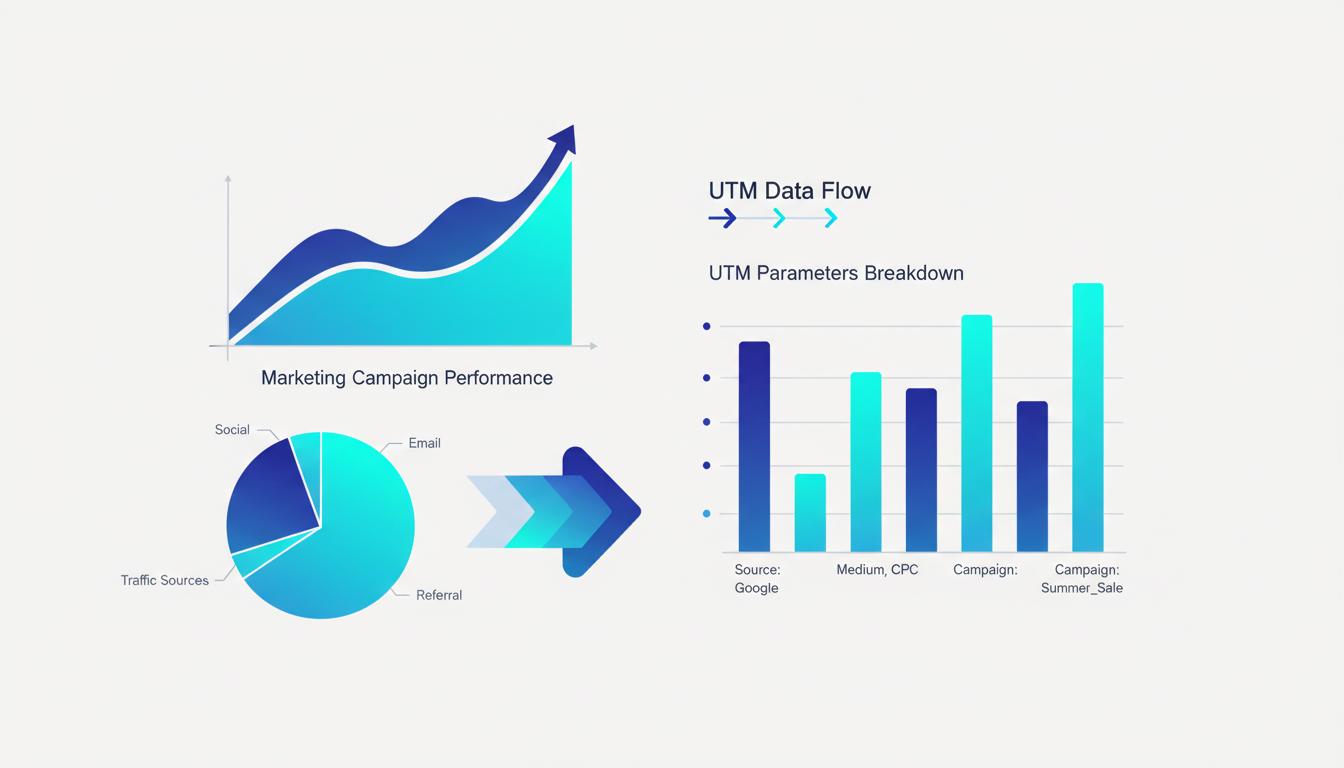
UTM Parameters Cheat Sheet 2026: Every Value Explained

A reference sheet for every UTM parameter value — utm_source, utm_medium, utm_campaign, utm_term, and utm_content — with real examples for Google Ads, Meta, email, and organic social.

7 min read

Frequently Asked Questions

Common questions about link generation, QR codes, UTM tracking and more.

What is a WhatsApp Click-to-Chat link and how does it work?

A WhatsApp Click-to-Chat link opens a direct conversation with a specific phone number on WhatsApp — without the recipient needing to save your contact first. It uses the format https://wa.me/[phone] and can include an optional pre-filled message. These links work on both WhatsApp Web and the mobile app. They are ideal for adding to websites, email signatures, social media bios, and digital ads to instantly start customer conversations.

What are UTM parameters and why do marketers use them?

UTM parameters are short tags appended to any URL that tell analytics platforms like Google Analytics exactly where a visitor came from. There are five standard parameters: utm_source (e.g., "facebook"), utm_medium (e.g., "cpc"), utm_campaign (e.g., "spring_sale"), utm_term (paid keywords), and utm_content (to A/B test creatives). Marketers use them to measure which channels and campaigns actually drive conversions — not just clicks.

What image formats can I download my QR code in?

QR codes generated on InstantLinkHub can be downloaded as PNG in five sizes: 200×200, 300×300, 400×400, 500×500, and 1000×1000 pixels (HD). PNG is the right choice for digital use — websites, emails, and social media. For physical print materials like business cards, banners, or packaging, always use the 1000×1000 HD option and then convert it to a vector format (SVG or EPS) in a design tool before sending to the printer.

How do I create a mailto link for my website contact button?

A mailto link is a special HTML anchor that opens the user's default email client — Gmail, Outlook, Apple Mail — with the To, Subject, and Body fields already filled in. The format is mailto:you@example.com?subject=Hello&body=Your+message. You use it by setting it as the href of any link or button. Our Mailto Generator handles all the URL encoding automatically, including spaces and special characters, so you just copy and paste the result.

Does InstantLinkHub store the links or data I generate?

No — and this is a core design principle, not just a policy. Every tool on InstantLinkHub runs entirely client-side: the logic executes in your browser and nothing is transmitted to our servers. Your phone numbers, URLs, messages, and email addresses exist only in your browser tab and disappear when you close or refresh the page. You can verify this yourself by opening your browser's DevTools Network tab while generating a link — you will see zero outbound data requests.