

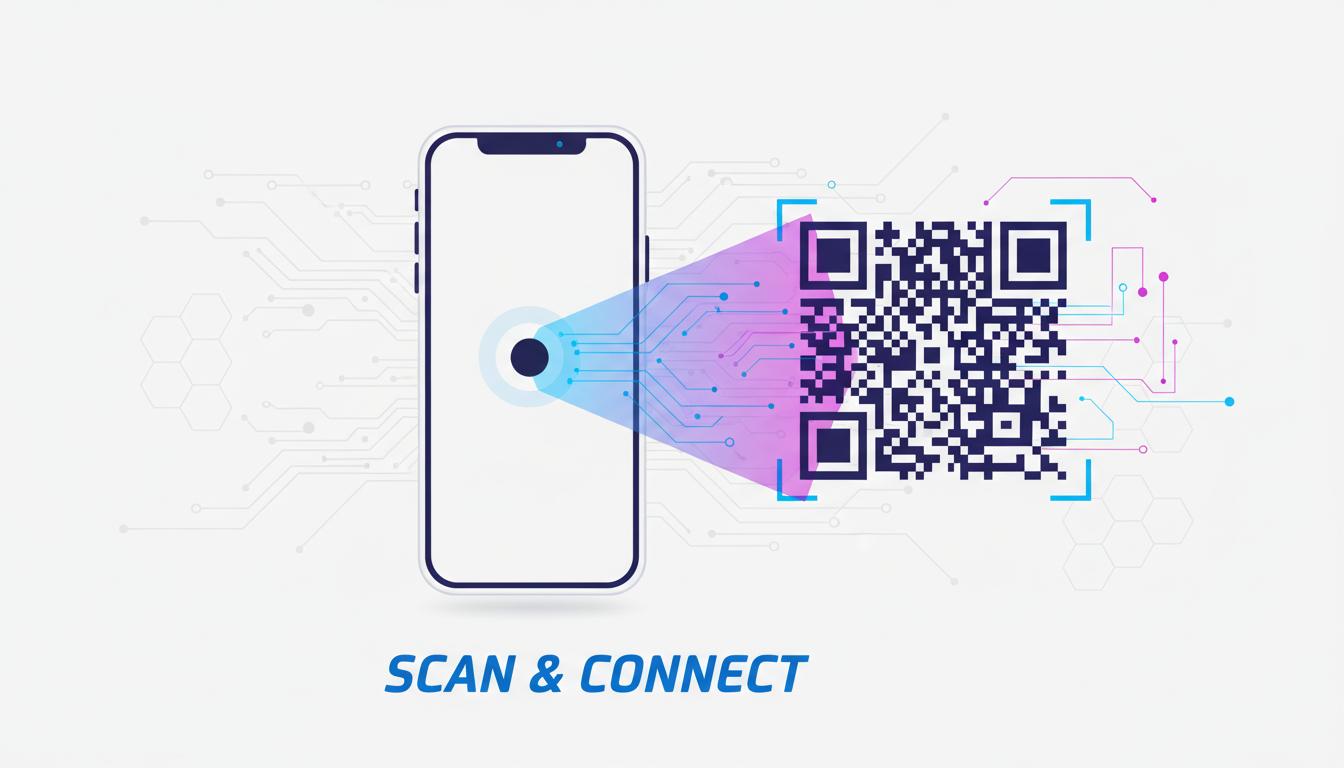
Restaurant QR code menus went from novelty to standard practice during the pandemic years�and they have stayed. Customers now expect the option to browse a digital menu on their phone, and forward-thinking restaurants have discovered that QR menus are not just convenient but actively reduce costs, improve order accuracy, and make menu updates instant rather than expensive. Here is everything you need to implement QR menus correctly.
Why QR Code Menus Make Business Sense
The practical case for QR code menus goes well beyond hygiene. Consider the economics: a printed menu costs �2-�8 to produce and needs replacing when it becomes damaged, stained, or outdated. A seasonal menu change or price update requires reprinting every copy in the restaurant�a significant cost and logistics headache for busy operations.
With a digital menu behind a QR code, you update prices, remove sold-out items, add specials, or swap seasonal offerings in minutes at zero cost. The QR codes on your tables never change (if you use a dynamic QR code pointing to a stable URL). The physical asset is permanent; only the digital content evolves.
Beyond cost, digital menus can include photos of every dish, allergen information, calorie counts, and ingredient lists that would be impractical to print. Customers who can see high-quality food photos order more. Research from various hospitality groups shows that visual menus increase average order value by 10-30% compared to text-only printed menus.
Choosing the Right Digital Menu Format
Your QR code is just the delivery mechanism. The actual menu can live in several different formats, each with trade-offs.
PDF menu: The simplest option. Upload your existing menu as a PDF to a hosting service (your website, Google Drive, Dropbox) and link the QR code to it. Pros: zero setup time, no new software. Cons: not optimized for mobile, updating requires re-uploading the file, no ordering capability.
Dedicated menu page on your website: Create a simple webpage with your menu content. This is mobile-optimized, easily updated, and keeps customers on your brand domain. Suitable for most restaurants with a basic website.
Dedicated digital menu platform: Services like Mr. Yum, Bopple, or Eat App offer purpose-built digital menu tools with professional templates, allergen filters, photo galleries, and sometimes integrated ordering. These typically cost �20-�80 per month but handle everything from hosting to design to mobile optimization.
For most independent restaurants, a menu page on their existing website or a simple PDF is sufficient. For high-volume venues or multi-location operations, a dedicated platform provides value through professional presentation and operational features.
Setting Up Your QR Code Menu Step by Step
Here is the complete process from start to finished QR codes on tables.
Step 1: Create or update your digital menu. Upload your menu as a PDF to your website, or create a dedicated menu page. Make sure it is mobile-optimized�most diners will be viewing it on a smartphone held vertically. Test it on multiple devices before proceeding.
Step 2: Choose static or dynamic QR code. If your menu URL is stable and you are certain it will not change, a static QR code works perfectly and is free. If you want the flexibility to change the destination URL later (for example, to switch from a PDF to a dedicated platform), use a dynamic QR code. We generally recommend dynamic for restaurants because menus evolve over time.
Step 3: Generate your QR code. Use our free QR code generator to create a high-quality QR code. Download the result as an SVG file for best print quality. If using a dynamic QR service, create the code through their platform.
Step 4: Design your table display. The QR code needs to be presented attractively at the table with a clear instruction. Options include table tent cards (folded cardstock), acrylic stands with the QR code printed inside, vinyl stickers on the table or menu holder, or laminated placards. Include a short instruction like "Scan to view our menu" and your restaurant name or logo.
Step 5: Test at the table. Before distributing to all tables, place one unit and test it with multiple phones in the actual restaurant lighting and environment. Some restaurants have challenging lighting�candlelit or dimly lit venues can make QR code scanning harder and may require slightly larger codes or higher-contrast designs.
Placement and Design Best Practices
Where and how you present the QR code at the table significantly affects how many guests actually use it.
The QR code should be immediately visible when a guest sits down�ideally already on the table, not brought by the server. Table tent cards in the center of the table or mounted to a condiment holder work well. Some restaurants attach QR codes to the inside of physical menu covers, giving the familiar tactile experience while guiding guests digital.
The minimum comfortable scan size for a table QR code is 4 cm � 4 cm. Larger (6 cm � 8 cm) is better, especially for diners who may have difficulty with small text or fine patterns. Always include your restaurant name near the QR code so guests know it is legitimate�security-conscious diners are more likely to scan when they see familiar branding.
Consider including a simple instruction for less tech-savvy guests: "Open your camera, point at the code, and tap the link." Many restaurants include this in small text below the QR code and report it meaningfully increases scanning rates among older customers.
Keeping Your Digital Menu Updated
The biggest advantage of digital menus is real-time updating�but this only works if you actually update it. Establish a clear process for who updates the menu and when. Price changes, 86'd items, and seasonal specials should all be reflected immediately.
If you use a PDF hosted on your website, replacing the file with a new version (keeping the same URL) will update all QR codes instantly. If you use a webpage, updating the page content is sufficient. If you use a dynamic QR code platform, you update the content through their dashboard and all existing QR codes reflect the change automatically.
Audit your digital menu weekly. An outdated digital menu with wrong prices or unavailable items creates customer frustration and unnecessary work for your servers. The investment of 15 minutes per week to maintain accuracy pays for itself many times over in avoided service friction.
Generate Your Restaurant QR Code
Create a professional QR code for your digital menu in seconds�completely free, no account required.
Explore Our Tools ?