

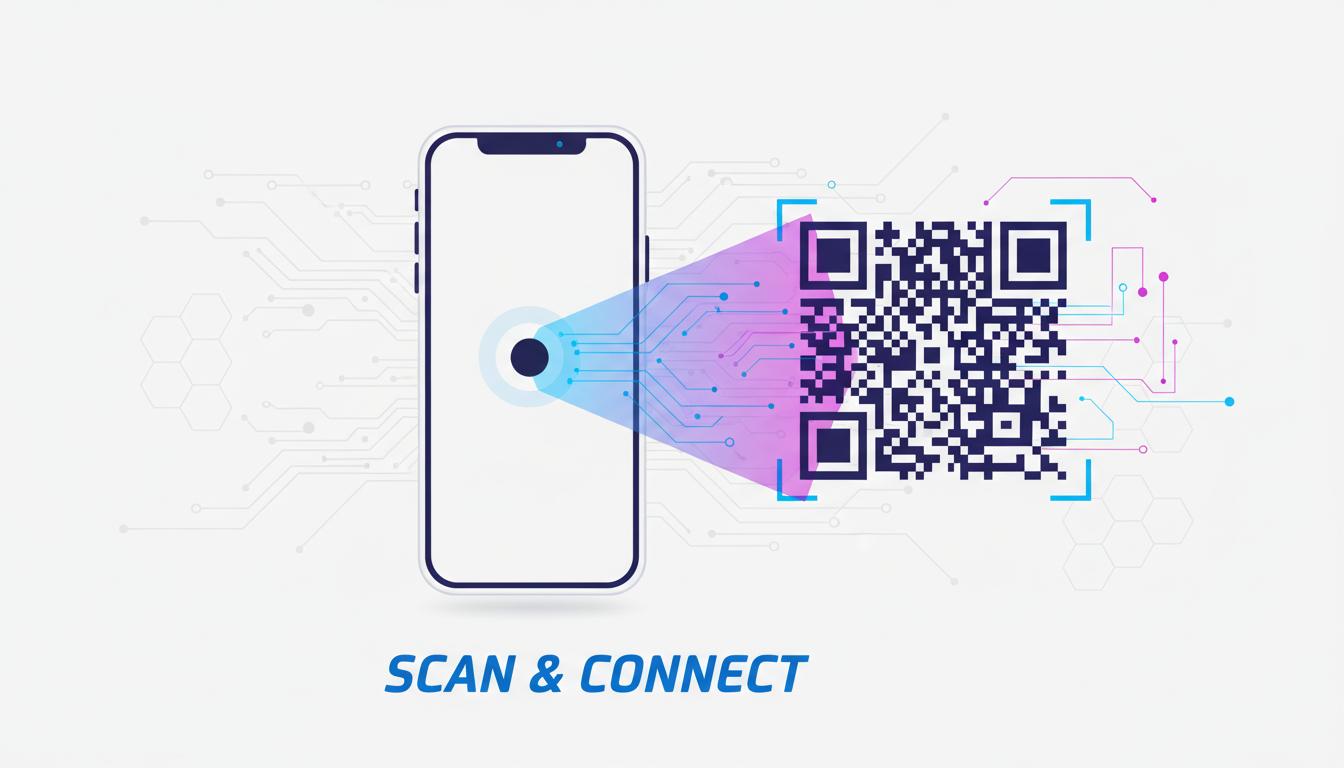
QR codes have become a standard bridge between physical and digital experiences�but not all QR codes are created equal. Understanding the difference between dynamic and static QR codes is essential before you print anything, because once that brochure goes to press or that product ships, a static QR code cannot be changed. Making the wrong choice could mean costly reprints or broken customer experiences.
What Are Static QR Codes?
A static QR code has its destination permanently encoded in the QR pattern itself. The URL or data is hardcoded directly into the black-and-white squares. When someone scans the code, their phone reads the pattern and opens the destination that was baked in at the moment the code was generated.
Because the data lives inside the QR pattern, static QR codes have no dependency on external servers or third-party services. Once generated, they work forever�as long as the destination URL remains active. They are simple, reliable, and completely free to generate and use.
The trade-off is permanence. If the URL changes, becomes unavailable, or was entered incorrectly, the QR code is broken and cannot be fixed without regenerating and redistributing a new code. For printed materials already in circulation, that means a reprint�which can be expensive and logistically painful.
What Are Dynamic QR Codes?
A dynamic QR code works differently. Instead of encoding the final destination URL, it encodes a short redirect URL hosted on the QR code provider's servers. When someone scans the code, their phone follows the short URL, which then redirects them to the actual destination.
This intermediate redirect step is what makes dynamic QR codes "dynamic." Because the destination is stored on a server�not in the QR pattern�you can update the destination at any time without changing the QR code image itself. The printed QR code stays the same; only the server-side redirect changes.
Dynamic QR codes also enable analytics. Every scan is logged by the redirect server, giving you data on how many times the code was scanned, when, and often from which geographic location or device type. This tracking capability makes dynamic QR codes far more powerful for marketing use cases.
Key Differences at a Glance
The following comparison captures the most important distinctions between the two types:
- Editability: Static codes cannot be changed after creation. Dynamic codes can be updated anytime through the provider's dashboard.
- Scan tracking: Static codes have no built-in analytics. Dynamic codes log every scan with detailed metadata.
- Cost: Static codes are always free to generate. Dynamic codes typically require a paid subscription to the QR provider for the redirect infrastructure.
- Reliability: Static codes work indefinitely with no dependencies. Dynamic codes require the provider's servers to remain operational.
- URL length: Static codes encoding long URLs become visually denser and harder to scan. Dynamic codes always use a short redirect URL, keeping the pattern clean.
- Privacy: Static codes collect no user data. Dynamic codes record scan events, which may have GDPR or privacy implications.
When to Use Static QR Codes
Static QR codes are the right choice in several common situations where simplicity, permanence, and zero ongoing costs are priorities.
One-time events: Conference lanyards, event programs, or single-use promotional flyers benefit from static codes. The content will not change, and you do not need scan tracking for a one-off event.
Linking to stable, permanent URLs: If the destination URL is your main website homepage, a permanent product page, or a social media profile that never changes, a static code is perfectly appropriate and costs nothing to maintain.
Personal use and small projects: Personal business cards, art projects, educational materials, or any context where you control the destination and it will not change are ideal use cases for static QR codes.
When privacy is paramount: If you are generating QR codes for sensitive documents or healthcare settings where tracking scans would be inappropriate, static codes eliminate any data collection concerns.
When to Use Dynamic QR Codes
Dynamic QR codes justify their cost in marketing and business scenarios where flexibility and data are worth more than simplicity.
Printed marketing materials with long lifecycles: Packaging, signage, product labels, and annual printed catalogs are expensive to reprint. Dynamic codes let you update the destination if a URL changes, a promotion expires, or the landing page needs to be refreshed�without touching the physical material.
Campaign measurement: When you need to know how many people scanned a QR code on a billboard versus a magazine ad versus a store shelf, dynamic QR codes are the only way to get that data. Each placement gets a different dynamic code pointing to the same destination, and you compare scan counts by location.
Seasonal promotions: A QR code on a product that links to a summer promotion needs to redirect to different content in the winter. Dynamic codes let you swap the destination seasonally without touching the product.
Restaurant menus and hospitality: Menu items change, prices update, and seasonal offerings rotate. A dynamic QR code on a table tent lets you update the digital menu without printing new codes or replacing physical materials.
Conclusion: Match the Tool to the Use Case
There is no universally "better" type of QR code�only the right tool for the specific situation. For permanent, simple, cost-free use cases where the destination will never change, static QR codes are ideal. For marketing campaigns, long-lived print materials, or anywhere tracking and flexibility add real value, dynamic QR codes are worth the investment.
The most important thing is to make this decision before printing. Switching from static to dynamic (or vice versa) after a large print run is costly and wasteful. Take a minute before each QR code project to ask: will this URL ever change, and do I need to know how many people scan this? If either answer is yes, go dynamic.
Generate Your QR Code for Free
Create professional static QR codes instantly with our free QR Code Generator�no account needed.
Explore Our Tools ?