

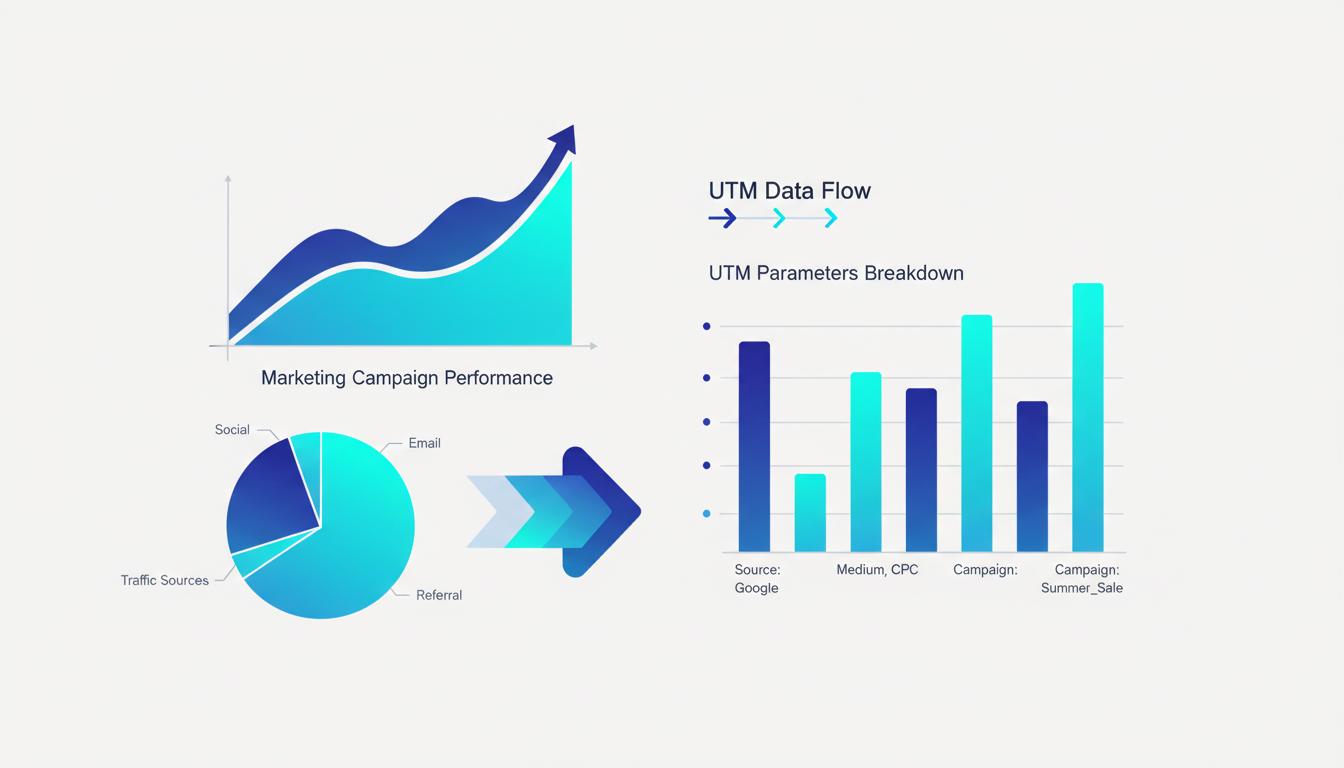
Your customers do not live in a single platform. Once you combine spend across those platforms, use Feexio's marketing calculator to calculate your blended cost-per-acquisition in seconds. They discover your brand on Instagram, research it on Google, open your email, and finally convert after clicking a retargeting ad on YouTube. Each of these platforms sees only a fragment of that journey. Building a cross-platform tracking system using UTM parameters, the Meta Pixel, and Google Analytics gives you the complete picture�and the power to optimize every touchpoint in that journey.
Why Cross-Platform Tracking Matters
Single-platform attribution is an illusion. Meta Ads Manager claims your Facebook campaign drove 50 conversions. Google Analytics shows only 22 conversions attributed to Facebook. Both are technically correct from their own perspective�and both are incomplete.
The discrepancy exists because each platform uses its own attribution model, its own tracking window, and its own definition of a "conversion." Meta might count a conversion if a customer saw your ad and converted within 7 days, even if they clicked a Google search result before purchasing. Google Analytics counts the last measurable touchpoint. Neither is wrong; both are partial.
Cross-platform tracking does not eliminate this discrepancy entirely�that would require perfect, privacy-preserving identity resolution across the entire internet, which does not exist. What it does is give you enough data from enough perspectives to make better decisions than any single platform can offer alone. When multiple signals point in the same direction, you can act with confidence. When they diverge, you know to investigate further.
The Three-Tool Foundation
The cross-platform tracking stack described in this article combines three components: UTM parameters for source attribution, the Meta Pixel for conversion tracking and audience building, and Google Analytics 4 for session-level and multi-touch analysis. These three tools are complementary, not competing.
UTM parameters tag every inbound marketing link with campaign metadata. When a customer arrives at your site from any tagged source, Google Analytics records the UTM values and associates them with all subsequent actions taken in that session�pages viewed, forms submitted, purchases made. UTMs are the connective tissue of your attribution system.
The Meta Pixel (now called Meta Pixel or Conversions API setup) is JavaScript code on your website that sends event data back to Meta's servers. When a Facebook or Instagram ad user visits your site and takes a conversion action, the Pixel fires an event (ViewContent, AddToCart, Purchase, Lead) that Meta uses for optimization and reporting. The Pixel enables retargeting audiences and improves Meta's ad delivery algorithm.
Google Analytics 4 is your unified session and behavior tracking platform. It receives traffic with UTM data attached, records all user behavior on site, and connects that behavior to conversion events. GA4 gives you the cross-channel view that neither Meta nor any single ad platform can provide.
Setting Up the Complete Stack
Here is the complete implementation checklist for cross-platform tracking.
1. Implement Google Analytics 4. If you have not already migrated from Universal Analytics to GA4, do it now. GA4 is the current standard and all future Google measurement features are built on it. Install the GA4 tag via Google Tag Manager for the most flexible and maintainable setup.
2. Configure conversion events in GA4. Define your key actions�purchase, lead form submission, newsletter signup, contact page view�as conversion events in GA4. This is what connects your UTM source data to revenue outcomes. Without conversion tracking, UTMs only show you traffic, not business results.
3. Deploy the Meta Pixel via Google Tag Manager. Using GTM for your Meta Pixel (rather than hardcoding it in your site's HTML) gives you version control, easy updates, and the ability to pause or modify without a developer. Add standard event tracking for the conversion actions that matter most to your business.
4. Tag all Meta Ad destination URLs with UTMs. Use consistent naming conventions (lowercase, underscores, dates in campaign names). Configure UTM parameters in Meta Ads Manager's URL parameter section, either manually or using Meta's dynamic parameter variables like {{campaign.name}}. Every paid click should arrive at your site with full UTM data attached.
5. Connect GA4 to Meta via the Conversions API (CAPI). The Conversions API sends conversion events server-side from your server to Meta, bypassing browser-level ad blockers and iOS tracking restrictions. This dramatically improves the accuracy of Meta's conversion data, especially for iOS users. Configure CAPI through GTM or your website's backend.
Reading Cross-Platform Data Effectively
Once your full stack is live, you will need to understand how to interpret data from multiple sources simultaneously rather than taking any single platform's numbers at face value.
Use GA4 as your source of truth for total traffic and on-site behavior. GA4 has the broadest view of your site visitors, their journeys, and their conversion actions. Use it to understand traffic volume by channel, conversion rates, and session quality.
Use Meta Ads Manager for ad-level optimization decisions. Cost per result, click-through rate, and audience performance data is most accurate within Meta's own reporting. Use UTMs to cross-reference GA4 data and catch major discrepancies, but optimize ad creative and targeting using Meta's own metrics.
Build a unified view in Looker Studio. Connect both GA4 and your Meta Ads data (via the Meta Ads connector) to a Looker Studio dashboard. Create a single view showing sessions, ad spend, conversions, and calculated ROI by channel side by side. This eliminates the need to context-switch between multiple platforms and makes weekly performance reviews significantly faster.
Handling iOS Privacy Changes and Data Gaps
Apple's App Tracking Transparency (ATT) framework, combined with ongoing browser privacy changes, has reduced the accuracy of pixel-based tracking industry-wide. Cross-platform tracking in 2026 requires accepting some data gaps and working around them strategically.
The Meta Conversions API helps by sending conversion data server-side, avoiding browser-level blocking. GA4's machine learning fills gaps with modeled data when consent is not granted. UTM parameters remain largely unaffected by these privacy changes because they are URL-based, not cookie-based�making them even more valuable as a tracking foundation in a privacy-first world.
Accept that platform-reported numbers will always differ somewhat from GA4-reported numbers. Rather than trying to reconcile every discrepancy, focus on directional trends. If all three platforms show a campaign performing well, increase investment. If all three show poor performance, cut or optimize. When platforms disagree significantly, investigate the methodology differences before making major budget decisions.
Build Your UTM Tracking Links
Create perfectly formatted UTM links for every platform and campaign with our free UTM Builder.
Explore Our Tools ?